Your own services
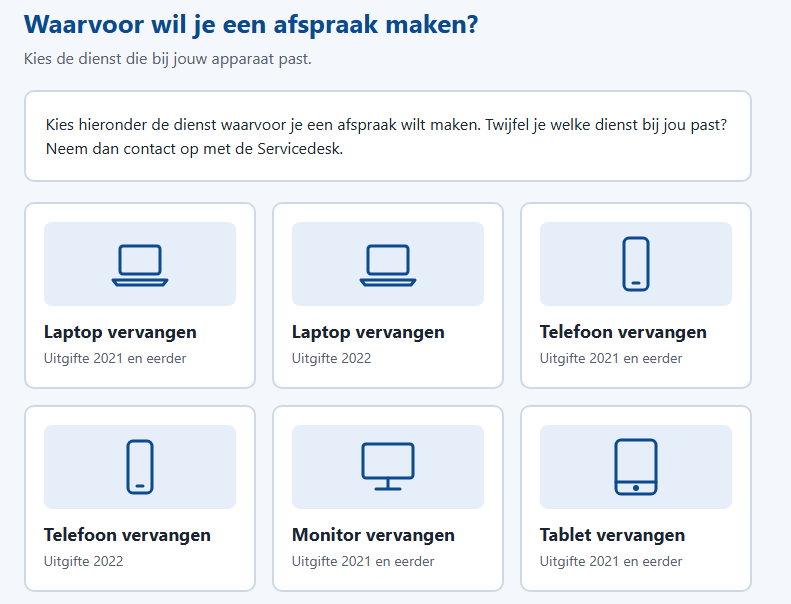
Define what people can book: a device replacement, a new starter, handing in equipment, a longer issue at the desk. Each service has its own duration, instructions and booking period.
Only real slots
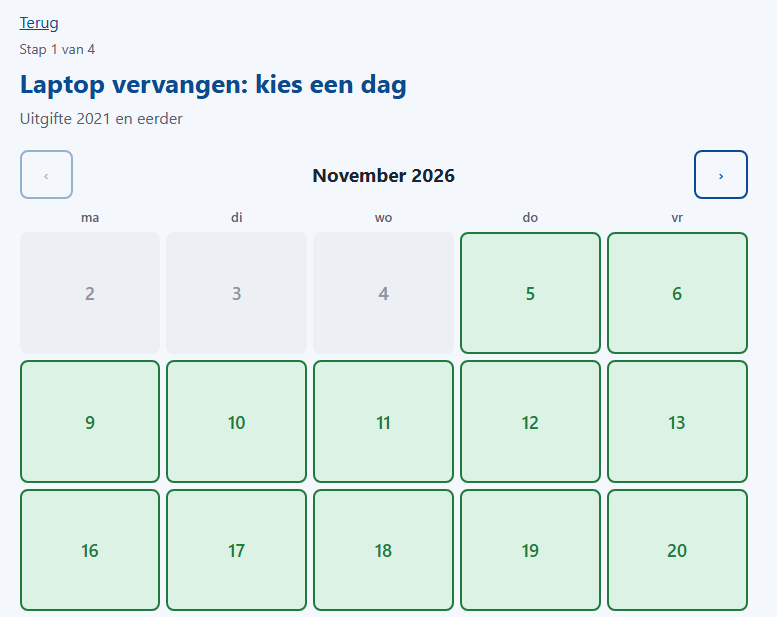
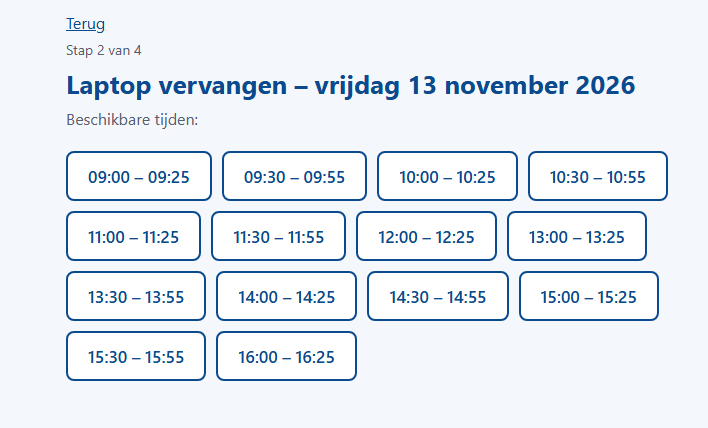
People see days with room in green and only the times that are actually free. Opening hours, breaks, a buffer between visits and the number of seats at the counter are all settings.
Capacity that fits the real day
All services share the seats at the counter. Fewer seats on a given date, weekday or half day, closed days, a minimum lead time and a booking window are all settings. Lowering capacity or closing a day with bookings shows you who is affected before you save.
Change or cancel without calling
People see their own appointment, and can move or cancel it up to a deadline you set per service. One active appointment per person per service.
A ten minute hold
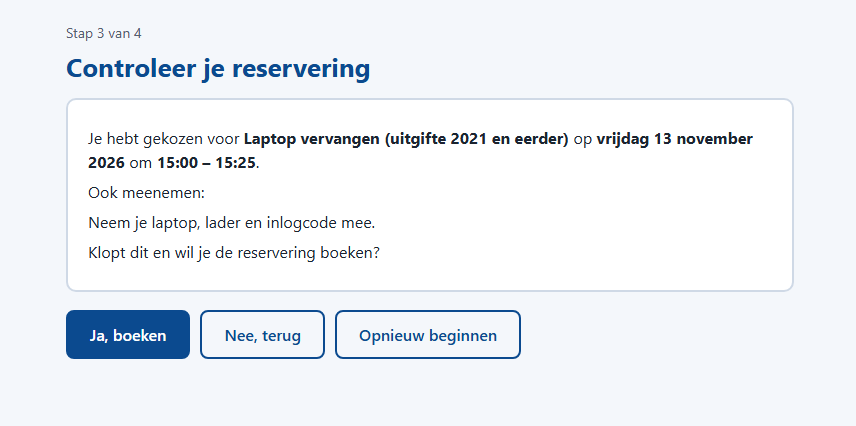
A chosen slot is held while the person confirms, with a countdown on the screen, so two people never book the last seat at the same moment. Booking is checked again on the server.
Calendar and e-mail
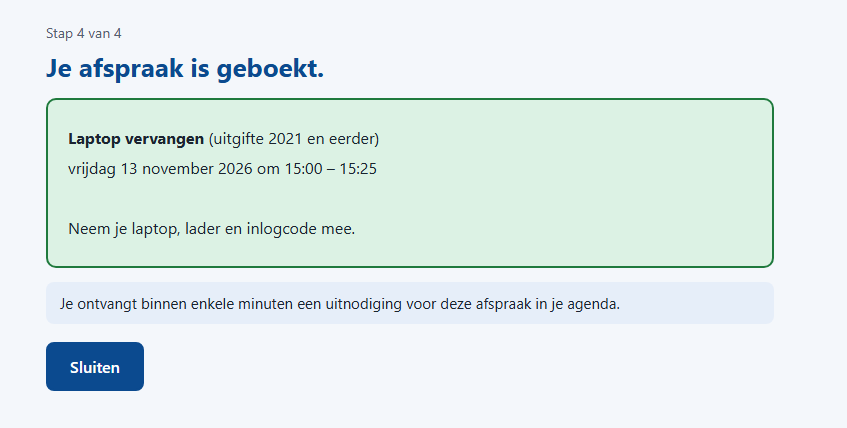
Each booking becomes an appointment in the desk's Exchange calendar, with an invitation to the person. Moving or cancelling updates it. A reminder mail goes out a set number of days before, from the desk's own address. Texts are your own templates: the appointment text per service, and one text each for the reminder, the re-invitation and a cancellation by the desk.
Booking never waits for Exchange
A booking is saved first and sent to the calendar afterwards, with retries. If Exchange is down for a while, people can still book, and the desk sees what is still waiting.
Who may book what
Rules per service on organisation and department, with personal exceptions. People who may not book a service do not see it, or see why they cannot.
At the counter
A day overview and a printable PDF with a box to tick on arrival. The desk records who showed up, can invite a no-show to book again with one click, and can cancel an appointment or a whole day with a reason that is mailed to the person. No penalties.
Reports
Week overview with occupancy, progress per service, no-shows and bookings that no longer fit the rules, as PDF with your logo. The next working day's list can be mailed to the desk automatically. A searchable booking list exports to CSV and Excel.
Announcements
A banner at the top of the booking pages for closures and disruptions, with a start and end date and three levels of urgency.
Managed in the browser
Services, rules, texts, dates, mail and sign-in settings live in the admin portal and apply at once. No config files for daily work. Three roles: user, desk staff and administrator.